🚀 ChatGPT Atlas – OpenAI’s Revolutionary AI Browser for macOS
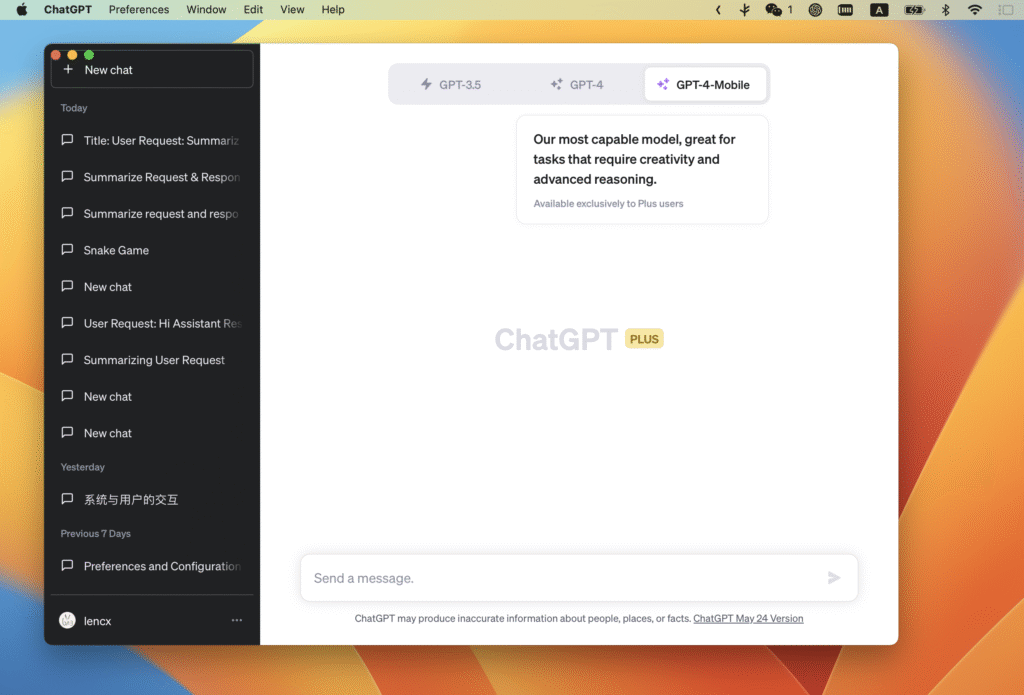
OpenAI has officially launched ChatGPT Atlas, a next-generation AI browser that seamlessly integrates ChatGPT into your everyday web experience. Available globally on macOS for Free, Plus, Pro, and Go users, ChatGPT Atlas represents OpenAI’s bold step toward creating a “true super-assistant.”
“With Atlas, ChatGPT can come with you anywhere across the web — helping you right where you are, understanding what you’re trying to do, and completing tasks for you, all without copying and pasting or leaving the page,”
— OpenAI Announcement, October 2025
🧩 What Is ChatGPT Atlas?
ChatGPT Atlas is not just another browser — it’s a fusion of AI and web technology. Instead of switching between tabs or apps, you can access ChatGPT instantly through an “Ask ChatGPT” sidebar. Simply highlight text or write queries while browsing, and ChatGPT Atlas assists directly within the page.
👉 Example: While drafting an email, highlight a paragraph, and ChatGPT will suggest improvements or rewrite it for better tone and clarity.
Image Suggestion:
- Alt text: ChatGPT Atlas interface showing built-in AI sidebar
- Caption: The ChatGPT Atlas browser integrates ChatGPT directly into your browsing window.
- Description: Screenshot of ChatGPT Atlas in macOS showing sidebar assistance and editing tools.
🧠 Memory Feature in ChatGPT Atlas
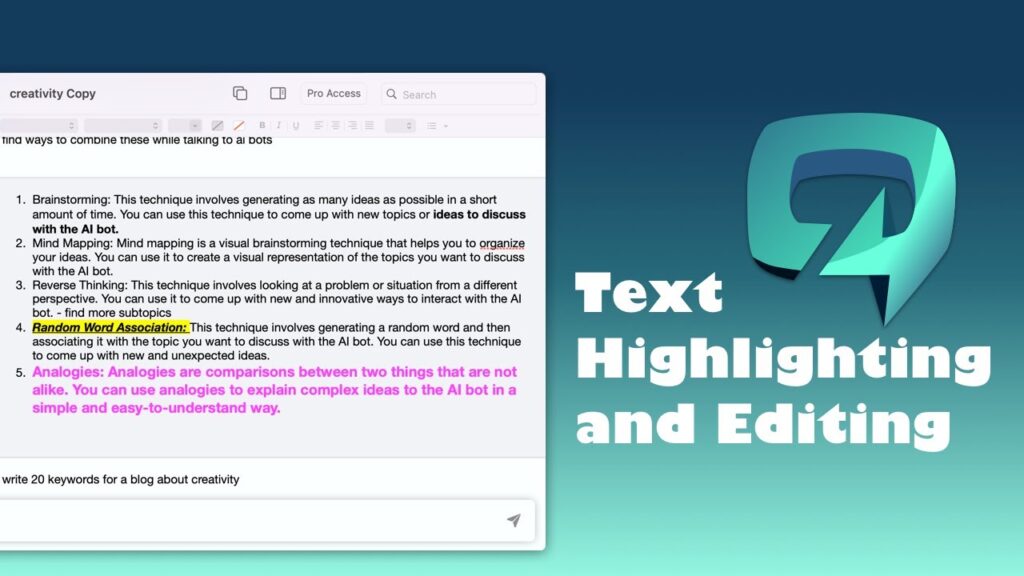
One standout capability is ChatGPT Memory, now integrated natively into the ChatGPT Atlas browser. This allows users to recall past activities, notes, or research sessions directly from the browser.
You can:
- Ask about previous searches or drafts.
- Resume a project from where you left off.
- Clear individual memories or all data anytime.
- Use Atlas Incognito Mode to browse privately without saving anything.
This feature gives you the flexibility of an AI assistant that “remembers,” without compromising on privacy or control.
🤖 Agent Mode in ChatGPT Atlas
Another highlight is Agent Mode, an enhanced version of ChatGPT’s automation tool. In ChatGPT Atlas, this mode can navigate websites, compare products, fill forms, and even help with online shopping on sites like Instacart.
However, OpenAI has implemented several safeguards to ensure security:
- The agent cannot download files or run code.
- It cannot access your file system or other apps.
- On sensitive sites (like banking portals), it pauses actions for user approval.
Agent Mode is currently available for Plus, Pro, and Business users, with beta access for Enterprise and Edu plans.
📘 External Source: TechCrunch Report on ChatGPT Atlas Launch
🔐 Privacy and Safety Controls
OpenAI emphasizes user safety with ChatGPT Atlas. The browser allows you to choose exactly which websites ChatGPT can see. Every feature — from memory to agent actions — can be toggled or cleared by the user.
For parents, ChatGPT Parental Controls are built into Atlas, letting them:
- Disable browser memory
- Manage site access
- Limit agent capabilities
These features make ChatGPT Atlas both secure and family-friendly, balancing innovation with safety.
📘 External Source: OpenAI Blog – Introducing ChatGPT Atlas
💻 Availability and Platform Support
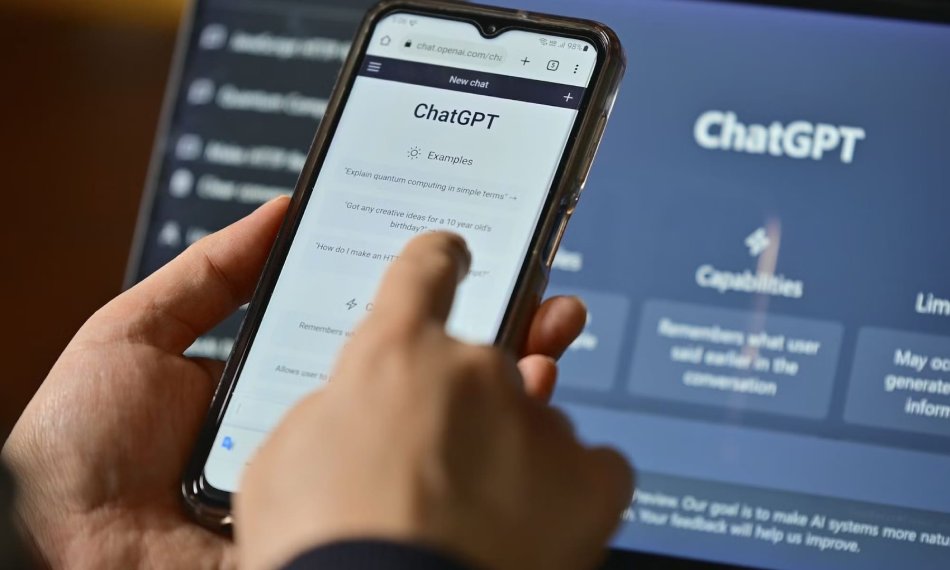
Currently, ChatGPT Atlas is available globally for macOS users.
Other platforms — including Windows, iOS, and Android — will follow soon.
- Free users get access to browsing and sidebar functions.
- Plus, Pro, and Business users can unlock agent automation and memory features.
- Enterprise & Edu administrators can enable Atlas beta access on request.
🔗 External Source: Reuters Coverage – OpenAI Challenges Google with Atlas Browser
📈 Why ChatGPT Atlas Matters
The launch of ChatGPT Atlas could redefine how we use browsers. Instead of opening multiple tabs, copying data, or relying on search results, Atlas lets you interact, edit, and automate within one window.
This advancement pushes OpenAI further into competition with Chrome, Edge, and other legacy browsers. With the integration of ChatGPT directly into the browsing layer, OpenAI is turning the browser into a personal AI workspace.
Key Benefits of ChatGPT Atlas:
- Unified AI + web interface
- Instant in-page assistance
- Personalized memory recall
- Privacy-first design
- Cross-platform roadmap
- Enhanced productivity for creators, students, and professionals




One Comment